ACER AT2645 - AT2646 - LCD TV - FIRMWARE UPGRADE PROCEDURE

- Install USB driver to your computer from the ISP board USB Driver file. ISP board USB driver include three files:
- PL-2303 Driver InstallerV2021.exe
- ser2pl.sys
- UTS2pl.sys


- Push "Finish".
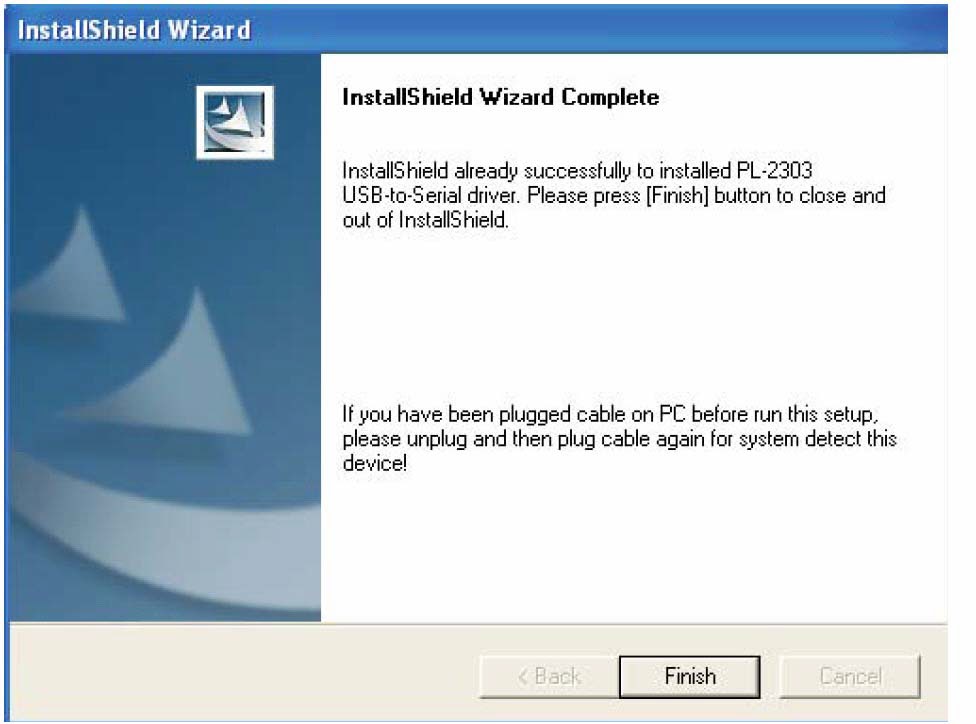
- ser2pl.sys & UTS2pl.sys two files should copy to C:\WINDOWS\system32\drivers & replace original files.

Connect to ISP Board.
- Use USB port connecting PC & MT537x (or MT5335) Board via ISP board(Code number: 715G537XL2).
- USB Cable
- Use Desktop PC or Notebook USB Port.


- Open the MtkTool to Load .bin file (Example: F3_dbg_image.bin) & Set Auto Set Flash BaudRate


- Set COM port resource that used by USB Port.

- Set Baud rate 115200 & High speed item Enable. & MT537x(MT5335).

- Click "Upgrade" button.(Waiting for "Finished!" message.)

- V. Main board Power Off _ On.