HOW TO DISASSEMBLE DELL 1907FPC _ LCD MONITOR
HOW TO DISASSEMBLE DELL 1907FPC _ LCD MONITOR
DISASSEMBLE PROCEDURE
- Rotate the stand to allow access to the stand release
button.
- Press the Stand release button and lift up the Stand and
away from the monitor.
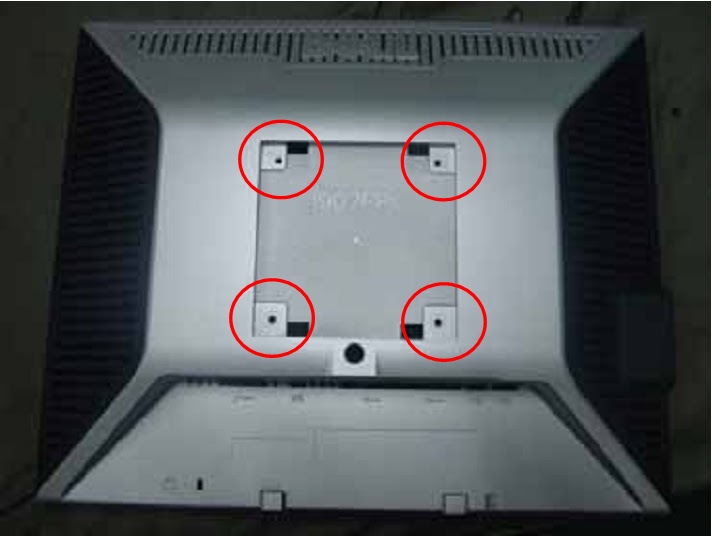
- Remove the 4 screws.
- Pry the monitor up
then find out the hooks’ position, use the tool (like the picture or other card)
to insert into the gap of bezel and rear cover.
- Take off the bezel.
- Turn over the monitor as the Fig, hold the rear cover, and
then slightly remove it.
- Remove the 4 screws.
- Remove the USB2 board cover.
- Remove the 5 screws.
- Disconnect the wire harness between USB1 and USB2.
- Push the main shield as the arrowhead direction.
- Disconnect the
connector pin: Disconnect the connector pin between key and main boards.