LG 37LH55 - LCD TV - ACCESSING SERVICE MENU
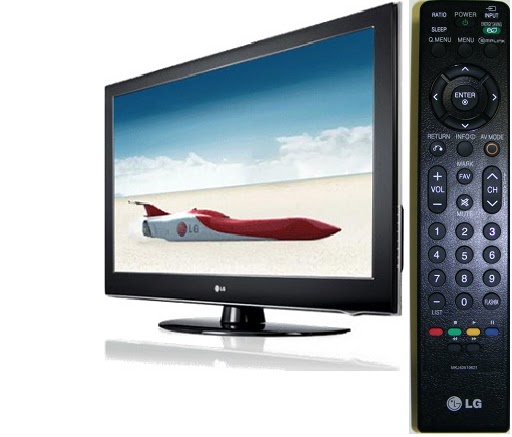
- Turn the Set On
- Simultaneously, Press and “Hold”the Menu Key on the Side Key pad and Press and “Hold” the Menu Key on the Remote approximately 5 seconds.
- If Customer’s Menu appears, continue to hold until it disappears.
- The Service Menu appears.


Never enter
into this menu settings, and adjust the data values there, if you are
not qualified to do it. Wrong data settings to this mode might make the
set irreparable.